
Book and send work clearly.
Capture the customer, registration, tyre requirement, site details and urgency once. Assign it to the right person without rewriting the same message.
Jobs and dispatch ↗Jobs, fleet checks, stock, supplier messages, job sheets, quotes and invoices in one clear workspace.
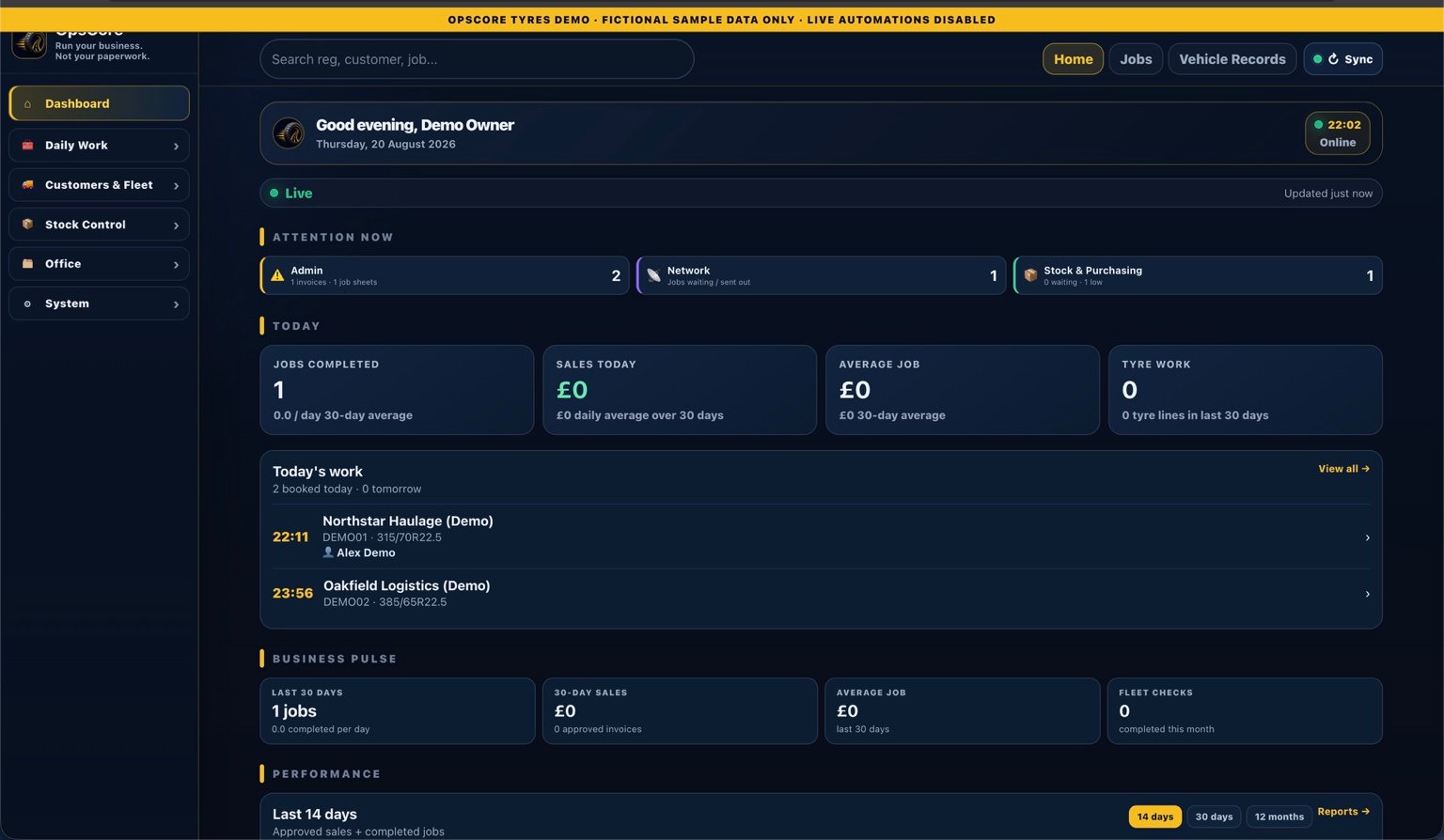
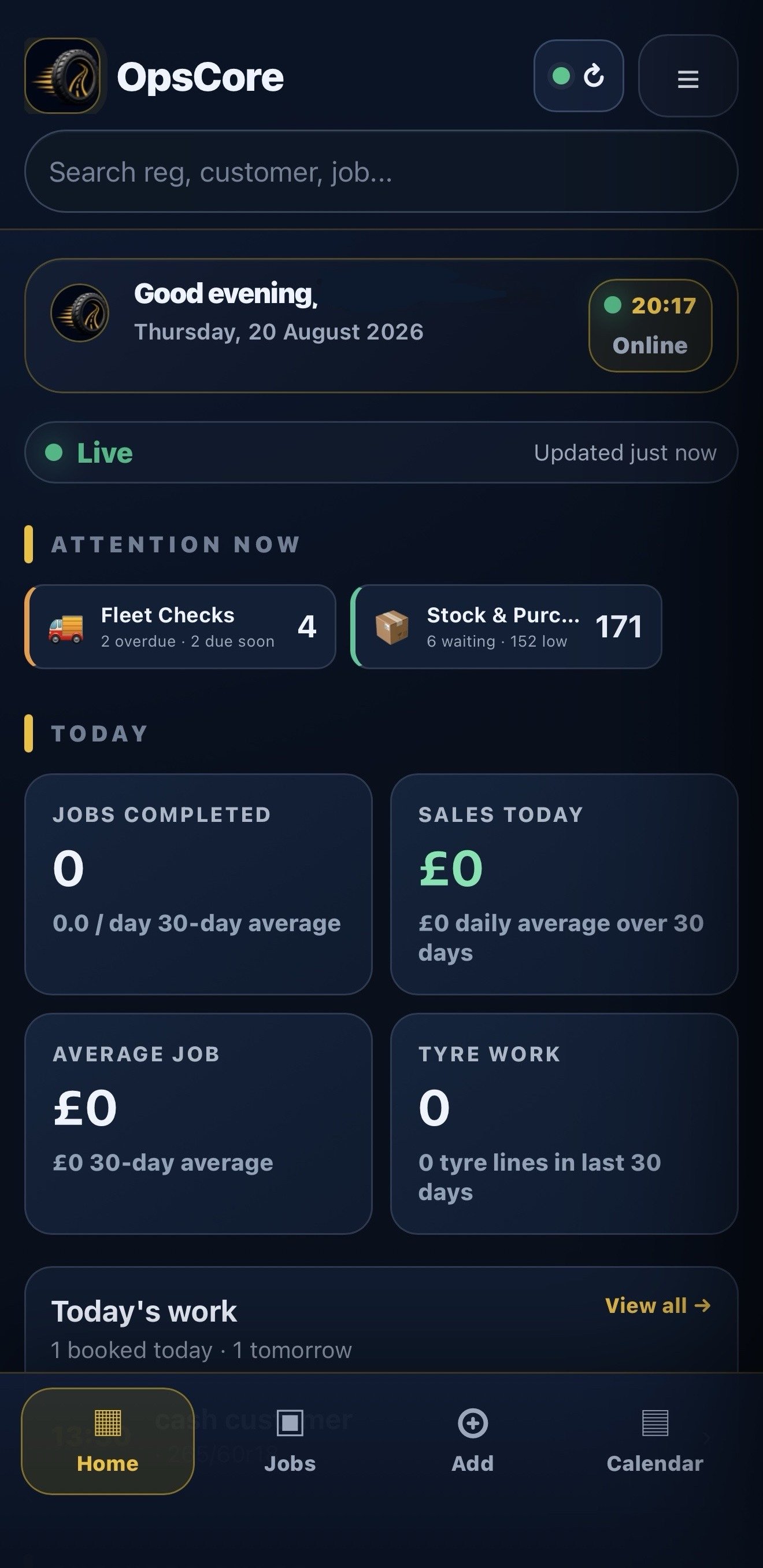
Less retyping, fewer missed updates and a clearer handover from the first call to the finished job.
Capture the customer, registration, tyre requirement, site details and urgency once. Assign it to the right person without rewriting the same message.
Jobs and dispatch ↗Schedule repeat inspections, save tyre layouts and history, and keep defects and follow-up work connected to the vehicle and site.
Fleet checks ↗Track stock by location, record receipts and returns, and keep the detail needed to follow up an item sent out incorrectly.
Stock and returns ↗Completed jobs with a finished job sheet can be surfaced for invoicing, so work does not sit hidden in an old list.
Job sheets and invoices ↗Use the supplier inbox and intake tools to keep order messages, catalogue lines and the stock trail closer to the people acting on them.
Supplier intake ↗Company workspaces, codes, roles and server-side context are designed so one business does not see another business’s customer, job or fleet records.
Security and separation ↗Use the workflow that fits the job, whether it is a roadside car call, a scheduled HGV inspection or specialist agricultural and OTR work.
View all sectors ↗The record follows the work, so the next person can pick it up without searching through messages or paper.
See the full workflowWhen the signal is poor, the job should not disappear. OpsCore keeps field work visible and tells the team whether a change is synced, queued or needs attention.
OpsCore uses company workspaces, company codes, roles and server-side checks to keep each business’s operational records in its own lane. Important security events can be reviewed when something needs checking.
Read the security approach ↗The current build is shaped around fast, focused screens: shorter lists, tenant-aware indexes and mobile sync that can work with the changes that matter.
Performance choices are there to reduce waiting without hiding the operational history your team needs.
OpsCore is business software, so the right setup depends on the work your company does and the people who need access.
Talk to OpsCoreOpsCore is built for tyre businesses that book, send out or complete work in the field. It supports office teams, mobile fitters, managers and owners across car, van, HGV, bus, agricultural, plant and OTR work.
Yes. Each company has its own workspace and company code. Users are routed to the company they are authorised to use.
A job can carry the customer, registration, driver details, location, tyre size, notes, photographs, completion information and job-sheet evidence. The exact fields depend on the workflow enabled for the company.
The current product includes stock records, stock locations, purchase and supplier tools, an email intake workflow and stock-return records. These keep the order, receipt and return trail close to the job.
The mobile app is designed to retain field work and sync it when the connection returns. The app shows whether work is queued, synced or needs attention so a fitter can see what still needs checking.
Yes. The separate demo uses fictional sample data, so you can click through the workflow without opening a live company account.
Request demo access, or tell us how your tyre operation works today.